
Can we get the recipient file from one campaign to another?
Updated on November 28, 2026
Yes, absolutely!
Software
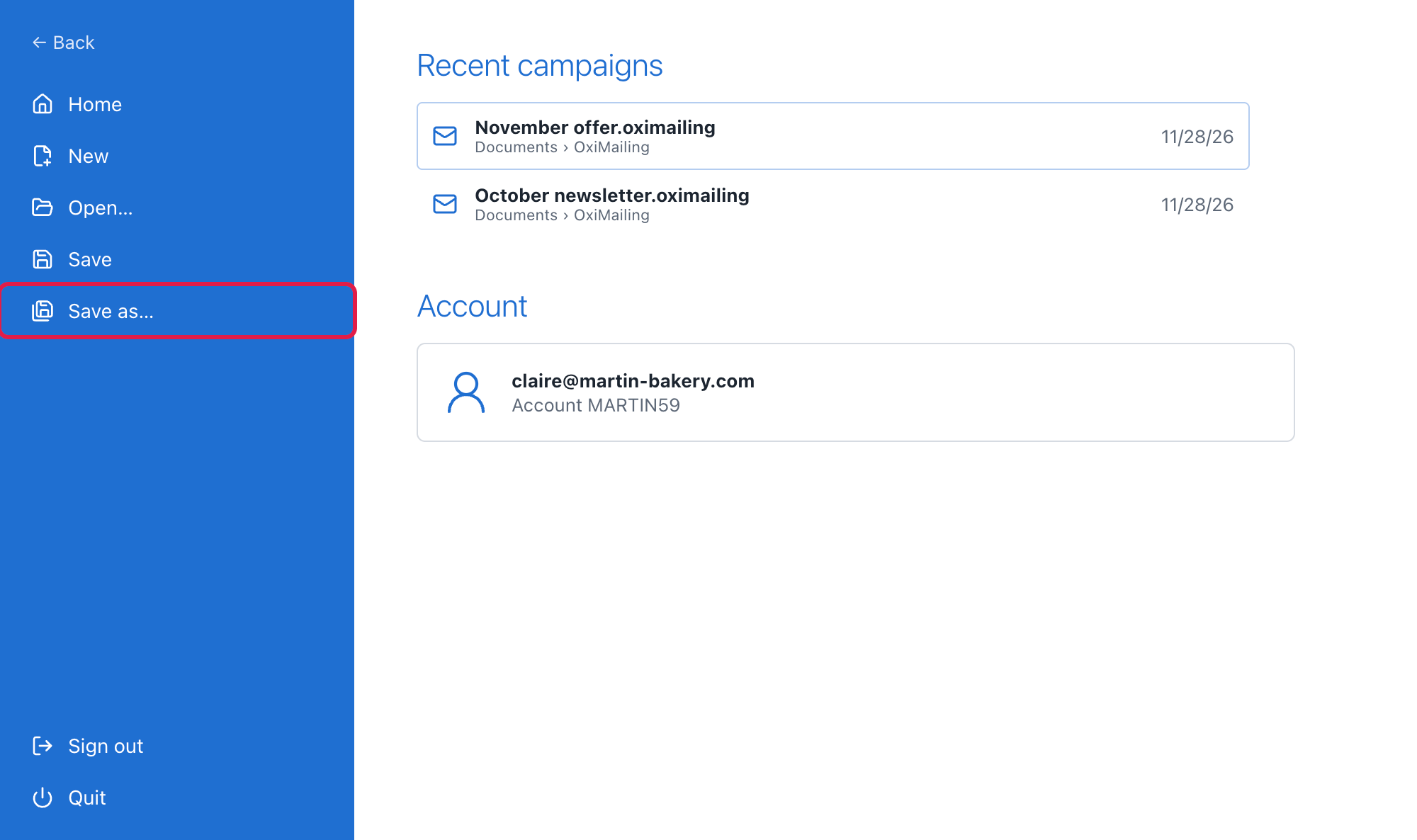
The easiest way is to open the original campaign and use “File” > “Save as…”: the copy keeps the recipients and the message, without the sending results.
You can also, in a new campaign, click “Import…” in step “1 Recipients”, then choose “Contacts from another campaign”:
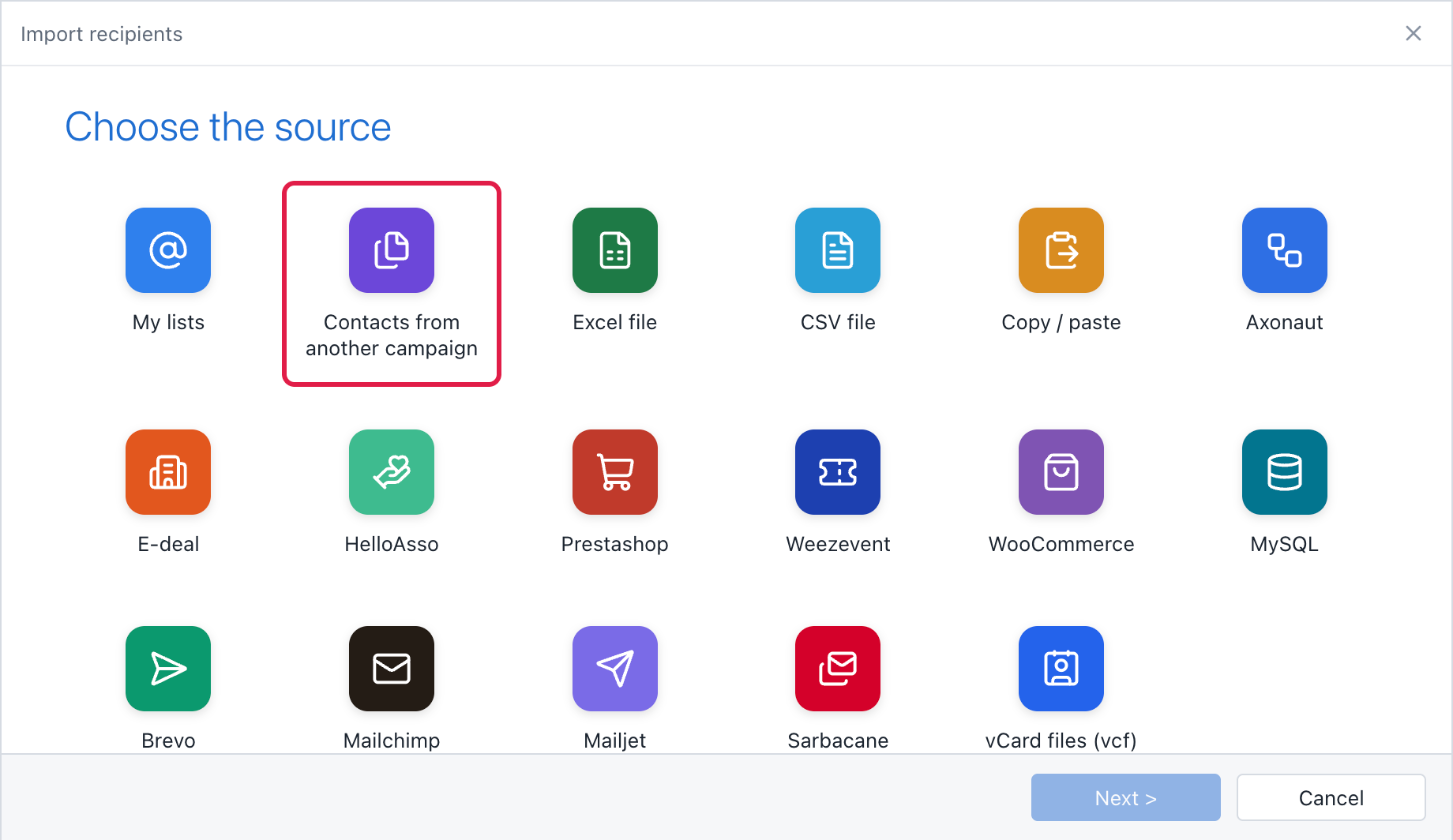
The “My lists” source imports the contact lists of your account (those of the Contact Manager).
Web app
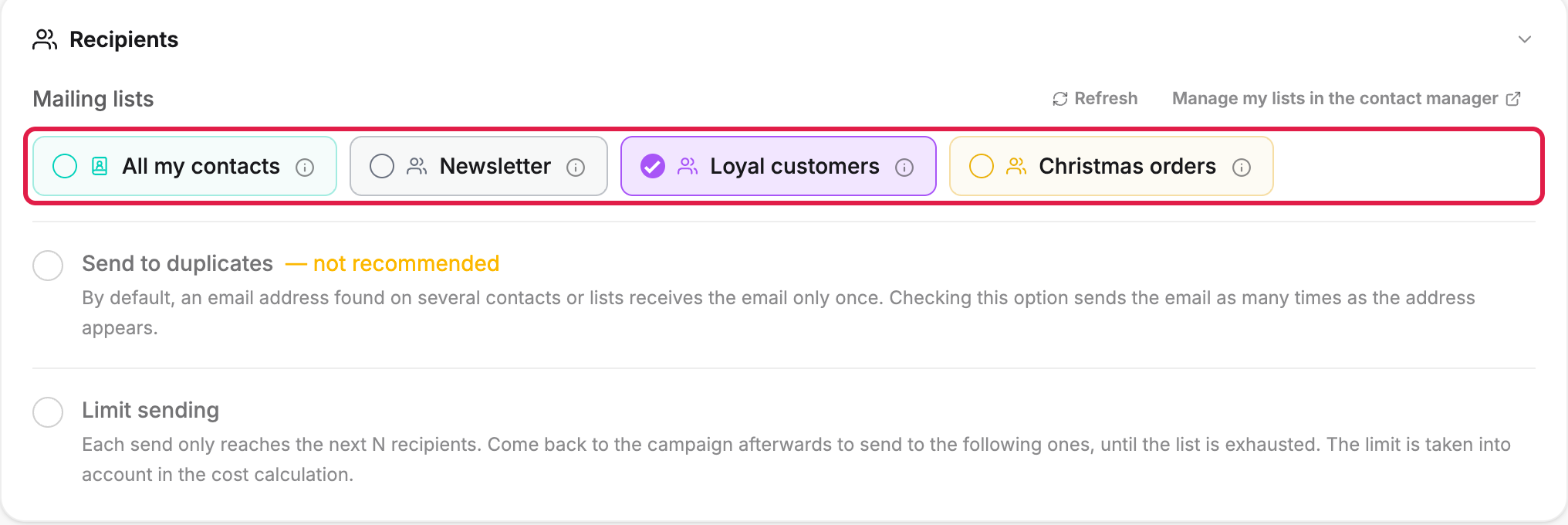
Your recipients are Contact Manager lists: simply choose the same list in the “Recipients” section (“Mailing lists” area) of your new campaign:
You can also duplicate the original campaign: “Duplicate” button (the copy icon) on its row in “My campaigns”, or at the top of the campaign if it has already been sent. The copy keeps the mailing lists, the message, the subject and the sender.