
OxiMailing
How to use an existing HTML page as a message?
Updated on November 28, 2026
Software
In your campaign, step “2 Message”, click “New”: the editor opens on the choice of a starting point.
Web app
In your campaign, click “Create a message”: the editor opens on the choice of a starting point.
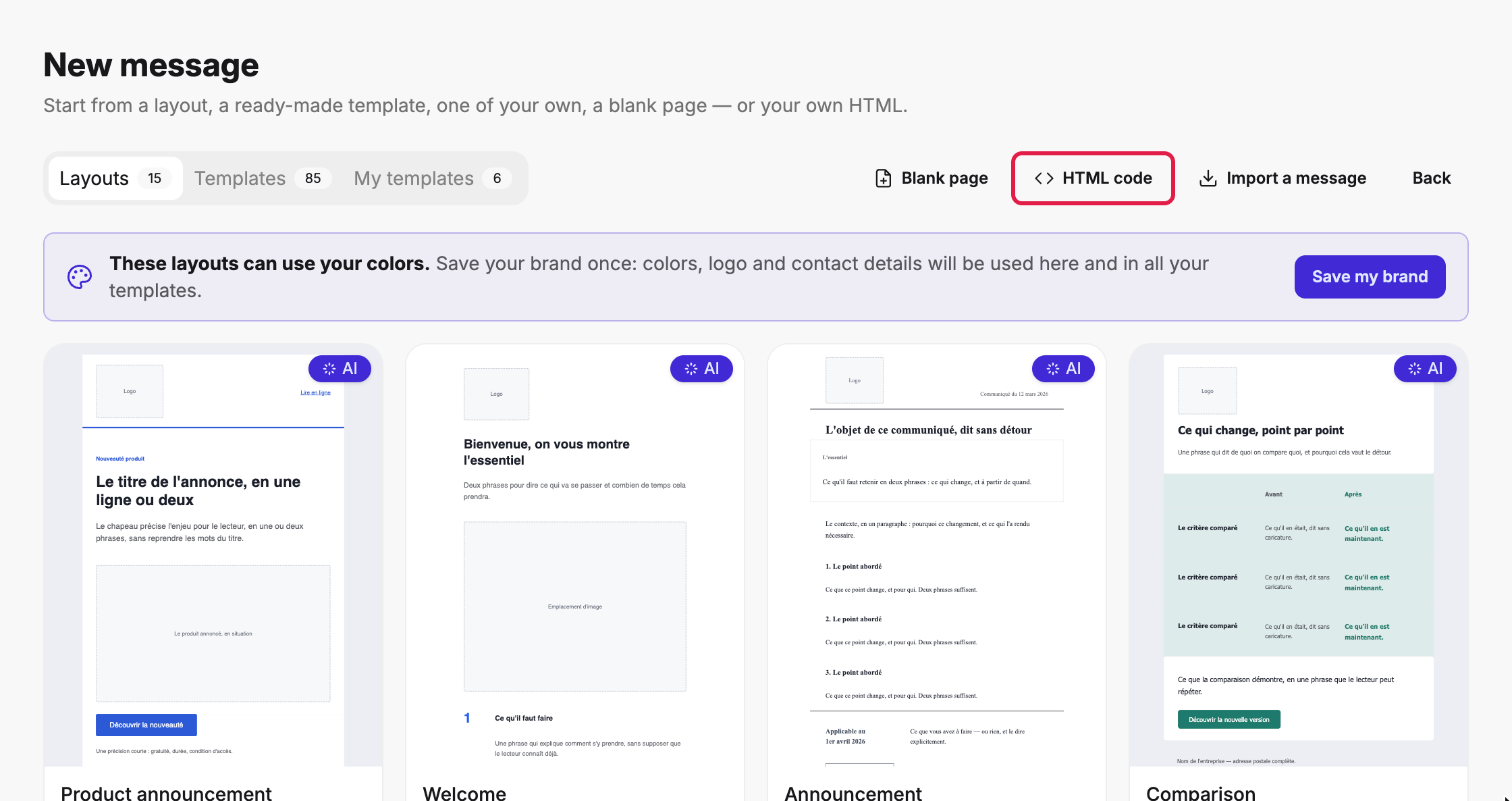
Click “HTML code”:
In the code editor, click “Import”, then choose:
- “From a file”: an .html file, or a .zip archive containing the page and its images;
- “From a URL”: the address of the page, if it is online.
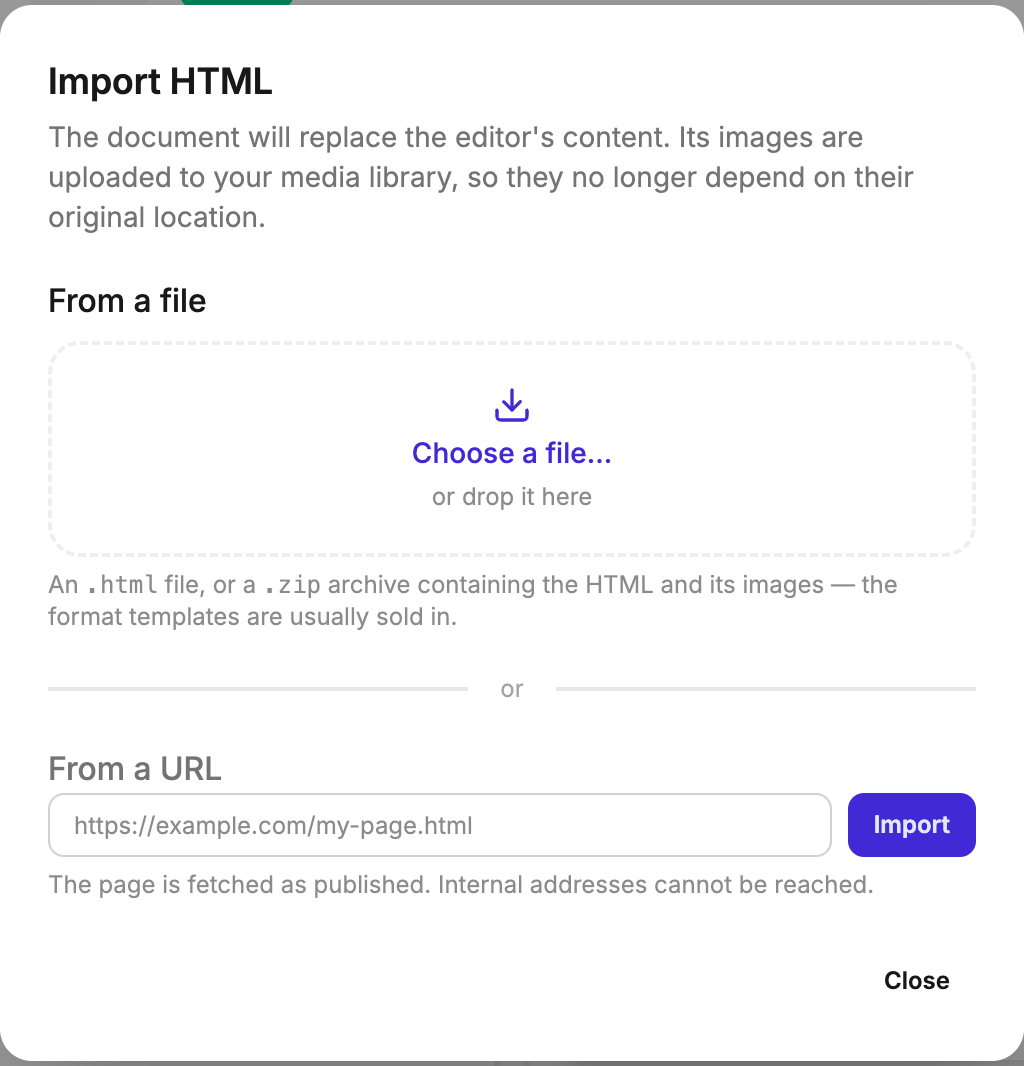
The images of the page are copied to your storage space: they no longer depend on their original location.
💡 However, we recommend creating your messages directly in the OxiMailing editor: it produces HTML code that adapts to all screens and keeps up with email clients.