
OxiMailing
How to view the tracking report?
Updated on April 21, 2025
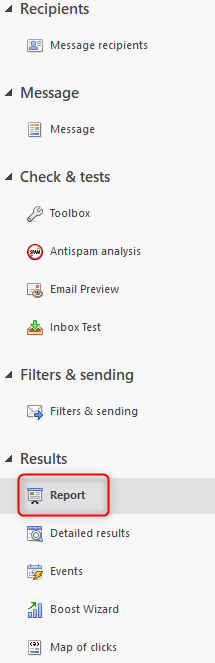
To access the tracking report, click on “Results” (on the left) then “Report”:
What is it?
These are the “graphical” reports of your campaign results. The following data is displayed graphically (among others):
- The number of recipients
- The number of openers (unique individuals)
- The number of clickers (unique individuals)
- The number of unsubscribers
- The number of clicks
- Evolution of clicks and openings over time
- Message transfer rate
- Responsiveness rate
- Country of origin
- Main languages
- Messaging tools
- Operating systems
Click Mapping
This screen displays the main click rates on your message. Each clickable area of your message is associated with a color to determine the “hot zones” of your message (the most clicked areas).
Use this tool to determine what encourages the user to click on specific links in your message.